Turn ideas into plans, and plans into actions.
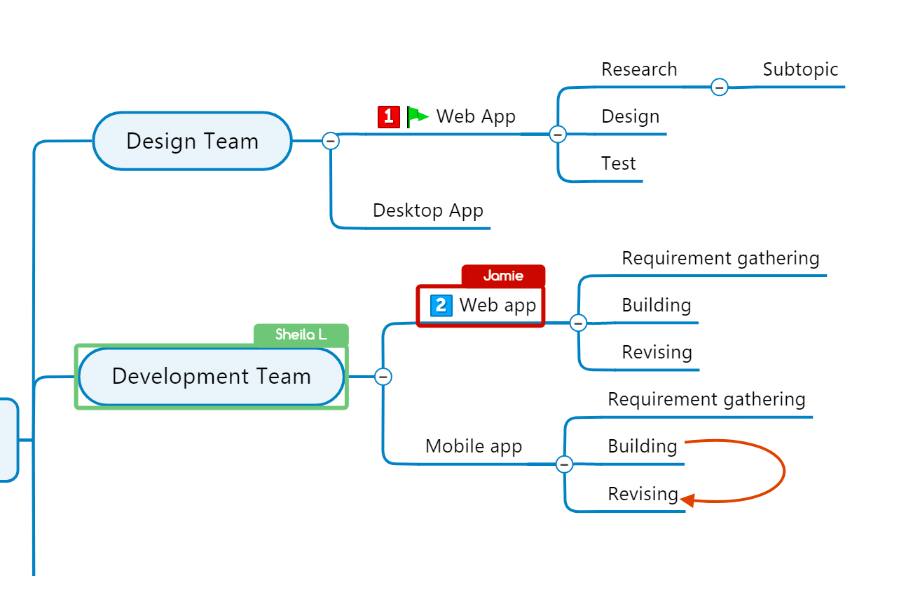
Mind maps are invaluable for organizing thoughts, fostering creativity, and enhancing overall productivity. The visualization features of mind maps facilitate a better understanding of complex ideas, fostering more precise insights and improved retention of information.
They are dynamic tools for brainstorming, enabling individuals to connect concepts, identify relationships, and generate innovative solutions.
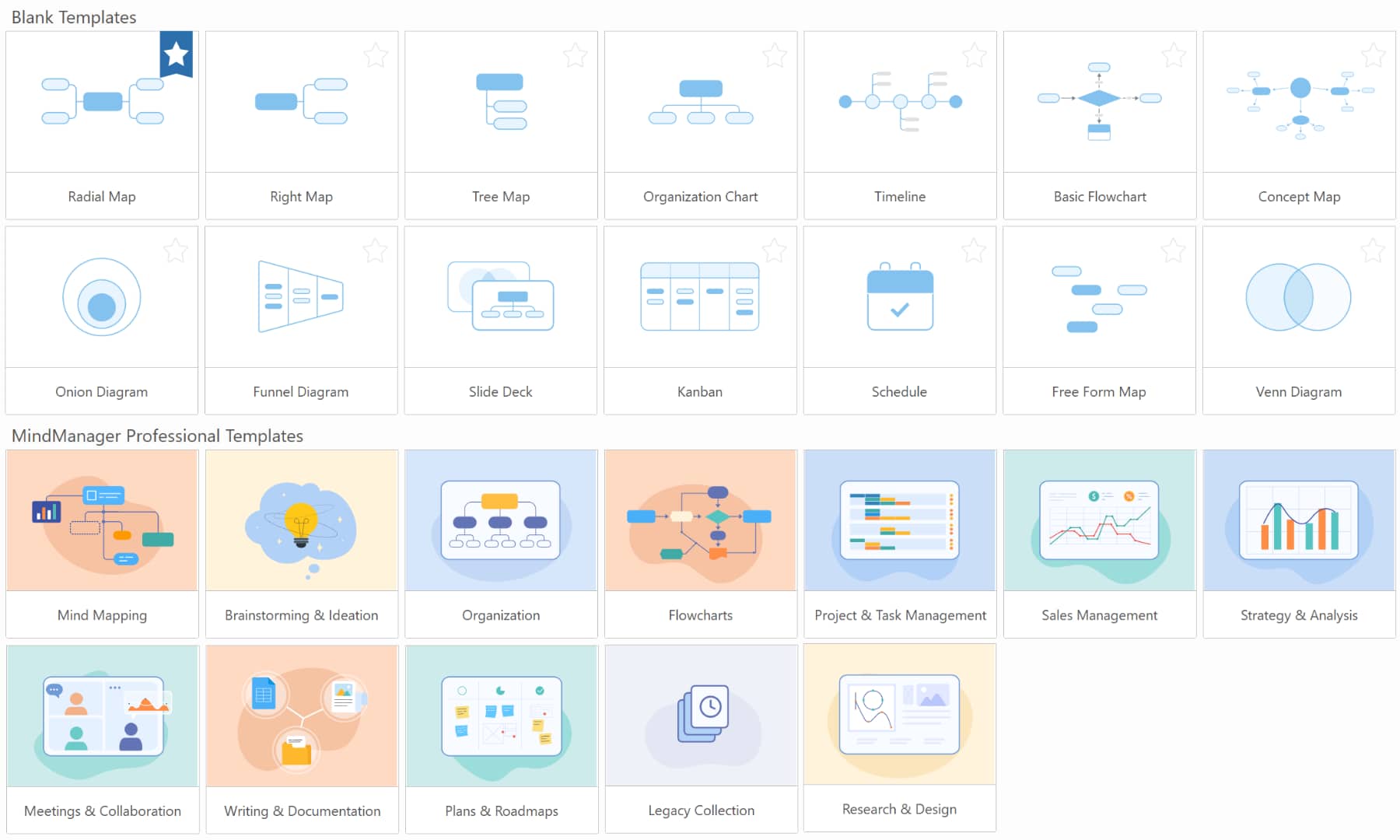
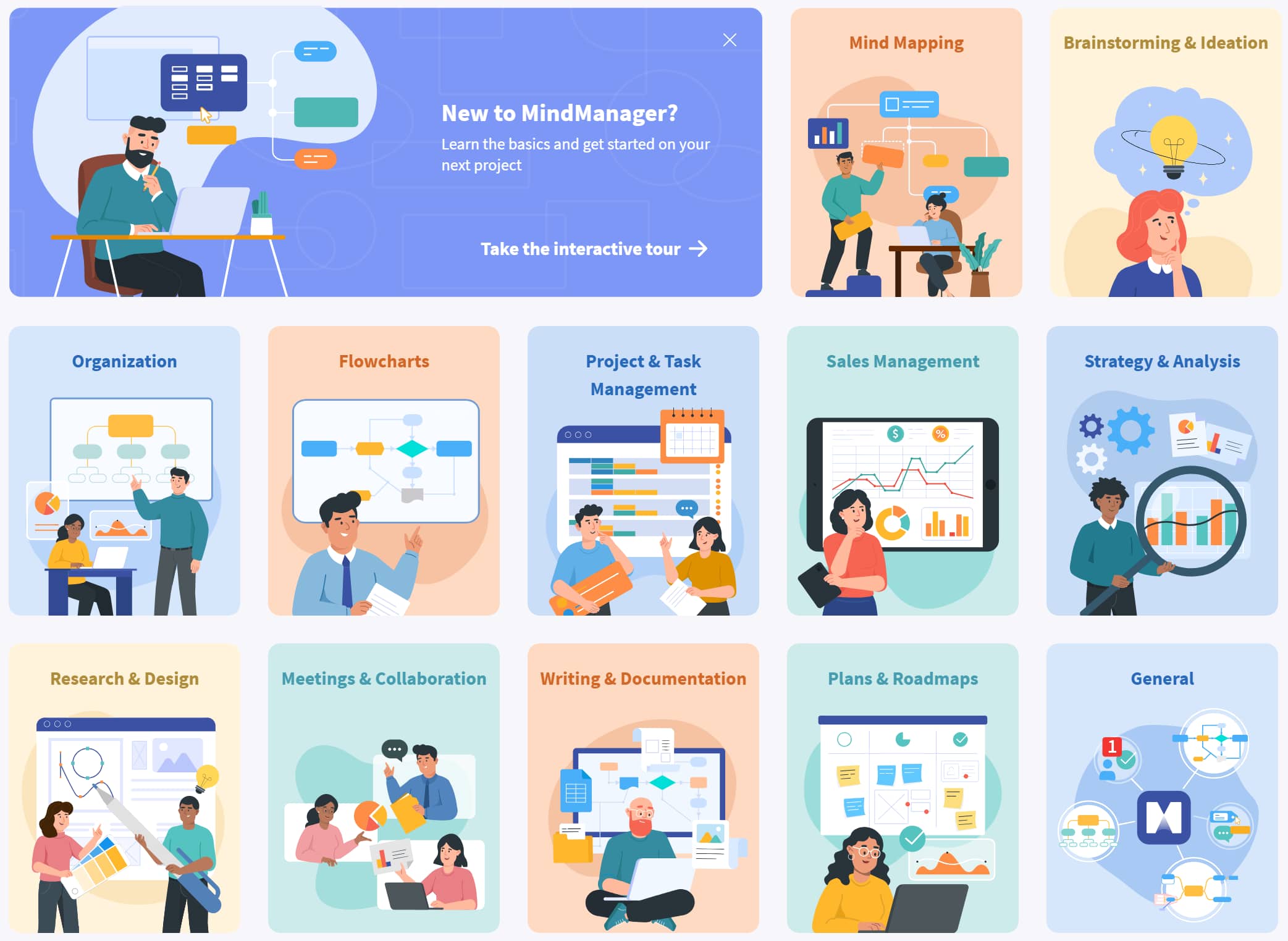
Choose from a library of built-in templates for any brainstorming, plan, or project. Get your ideas down as quickly as you can think of them. Rearrange topics with a simple click and drag of the mouse. Be amazed at how quickly your ideas come to life on the screen.
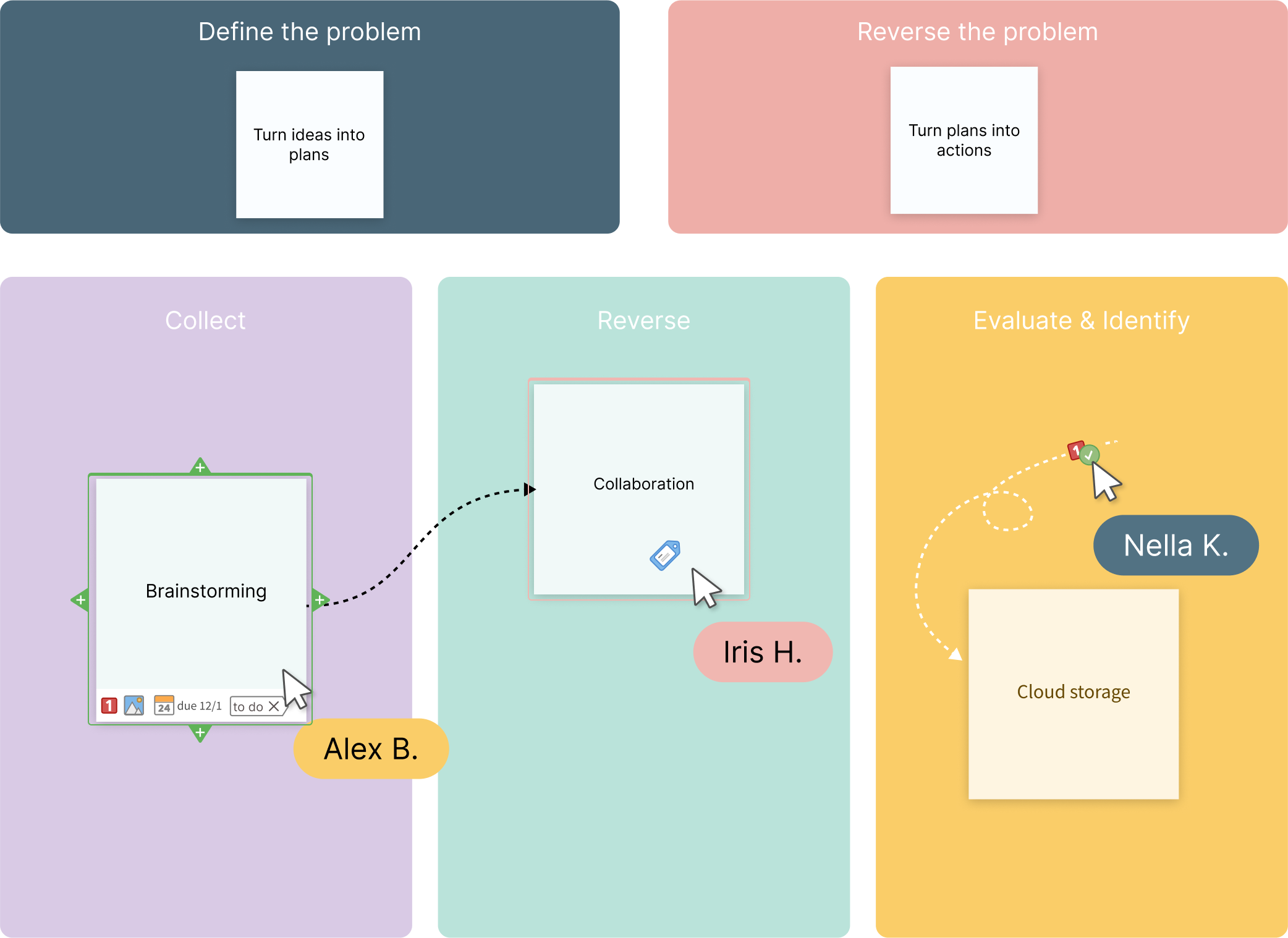
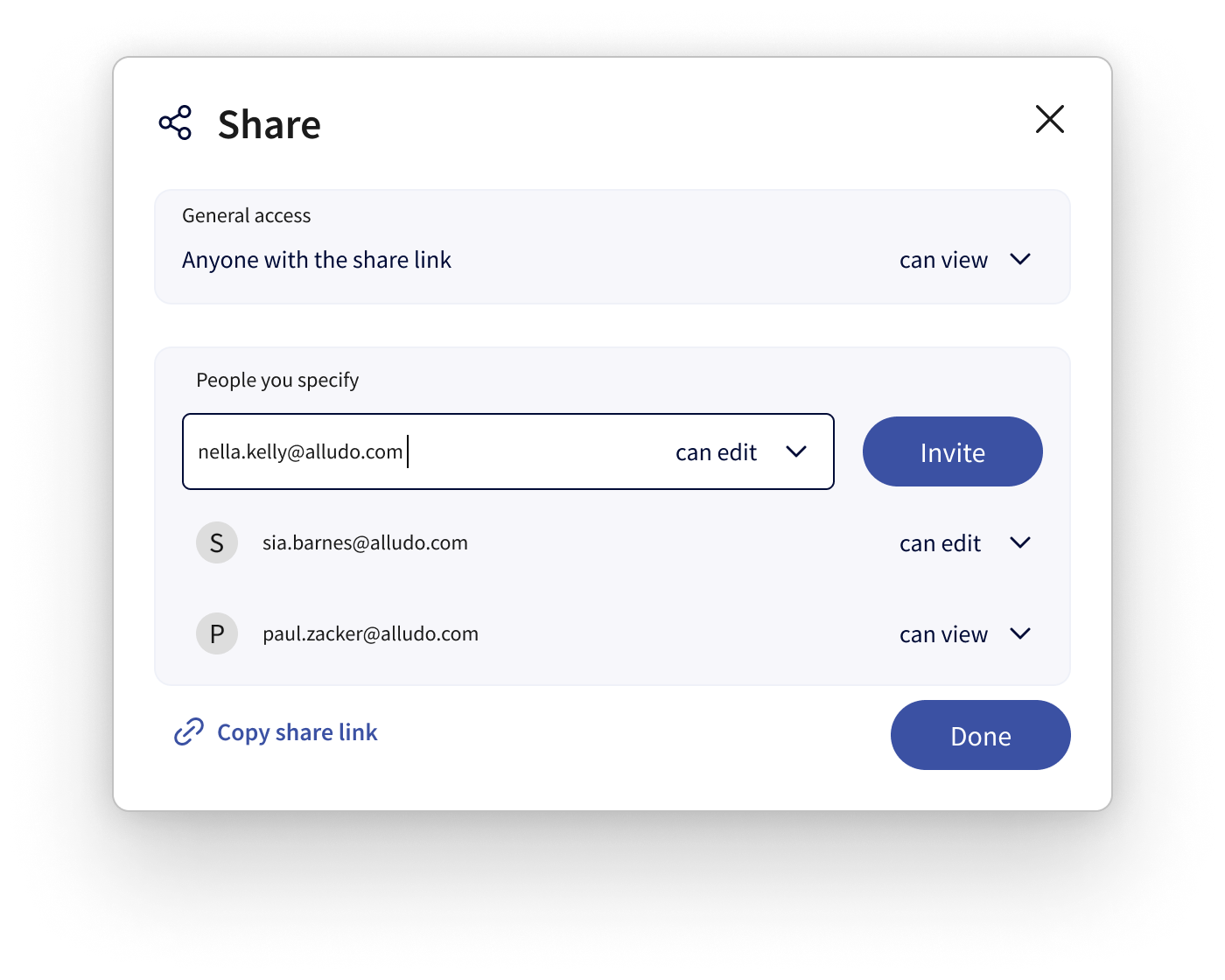
Invite colleagues across departments, offices, and time zones to work together and co-edit maps in real-time, on any platform.
Watch plans crystallize, opportunities appear, and ideas fly right before you.
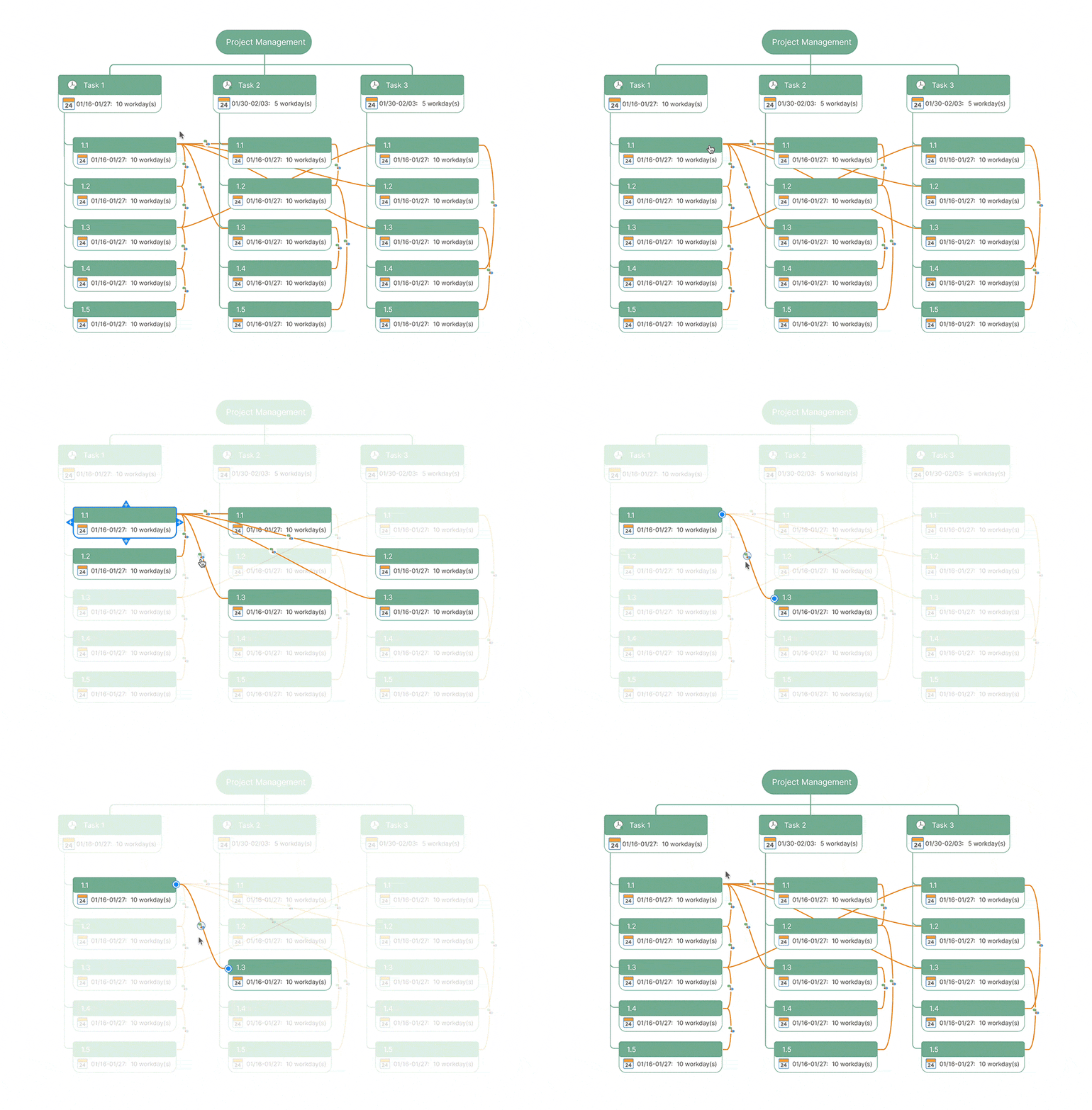
Build plans and keep projects on track by creating tasks, assigning resources and costs, adding progress markers, and managing timelines.
Your living room? Favorite café? At the office? It doesn’t matter if you have a computer and an internet connection. You can take your maps and diagrams with you wherever you go.
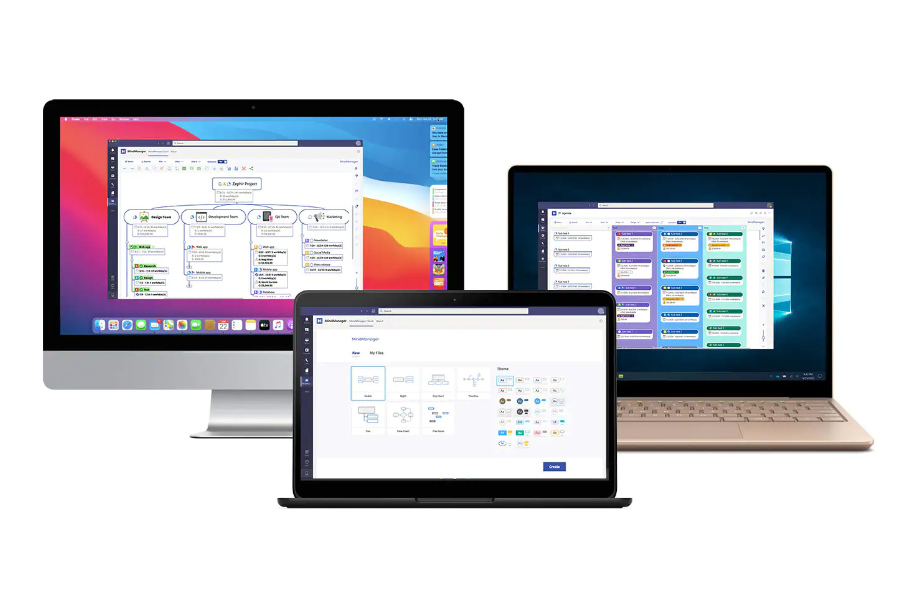
Work seamlessly across devices and platforms including Windows, Mac, Web, Microsoft Teams, and Chromebook.
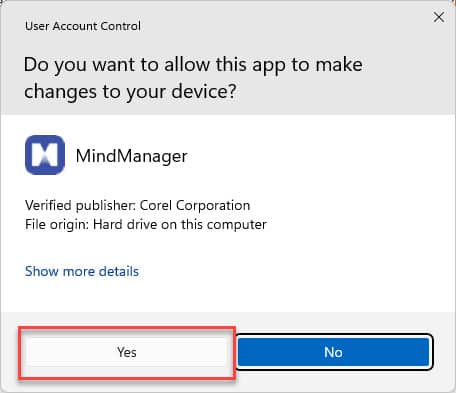
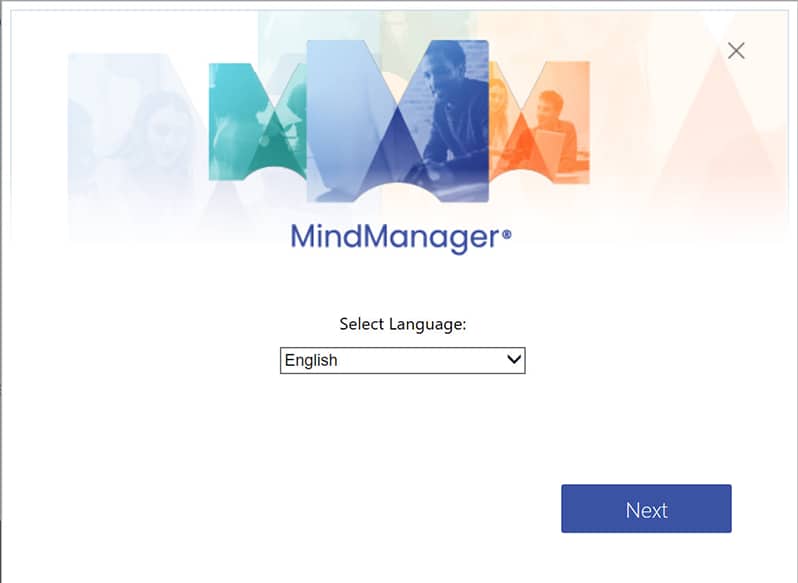
Using MindManager effectively involves several key steps to harness its full potential for organizing thoughts, planning projects, and enhancing productivity. Here's a step-by-step guide:
By following these steps and exploring the diverse features of MindManager, you can create dynamic and effective mind maps for personal and professional use, allowing for better organization, collaboration, and strategic planning.
Improve your connectivity and streamline your projects with MindManager's key integrations. Unlock the power of MindManager and amplify your workspace when you connect with your favorite apps.
Explore all apps



4.5 stars based on 565+ reviews
"A really amazing tool for mapping ideas, gathering requirements, and documenting work-breakdown for new functionalities!"
"I find it helpful for working with any complex problem. It helps me to clarify and refine my own thinking, organize my thoughts, and express them visually so that they are more easily understood by others as well."
"Fantastic brainstorming and collaborative tool."
"I use MindManager to help drive conversations. The ability to create easy visuals in a remote world is imperative."


See your content, plans, projects, and processes from every perspective with a view for any situation, including map view, outline view, Gantt chart view, schedule view, icon view, and tag view.
MindManager's sophisticated features meet the complex demand of modern project environments and provide comprehensive tools for task scheduling, resource allocation, risk management, and collaboration.
Advanced functionality in MindManager enhances organization and analysis, enabling you to categorize, tag, and filter information dynamically for improved data management and deeper insights.
MindManager is an all-in-one cross-platform solution that provides a comprehensive toolkit designed to streamline development processes across multiple platforms simultaneously.
MindManager allows users to invite team members across departments, offices, and time zones to collaborate in real-time or asynchronously on any platform. Simplify storing and sharing files using MindManager Files integrated cloud file storage, or seamlessly connect with your preferred cloud storage platform.
 Microsoft Teams
 Jira
Jira
 Microsoft Word
  Microsoft Excel
 CSV files
 Microsoft SharePoint
 Microsoft Outlook
 Microsoft Project
  Zapier
 FreeMind and XMind imports